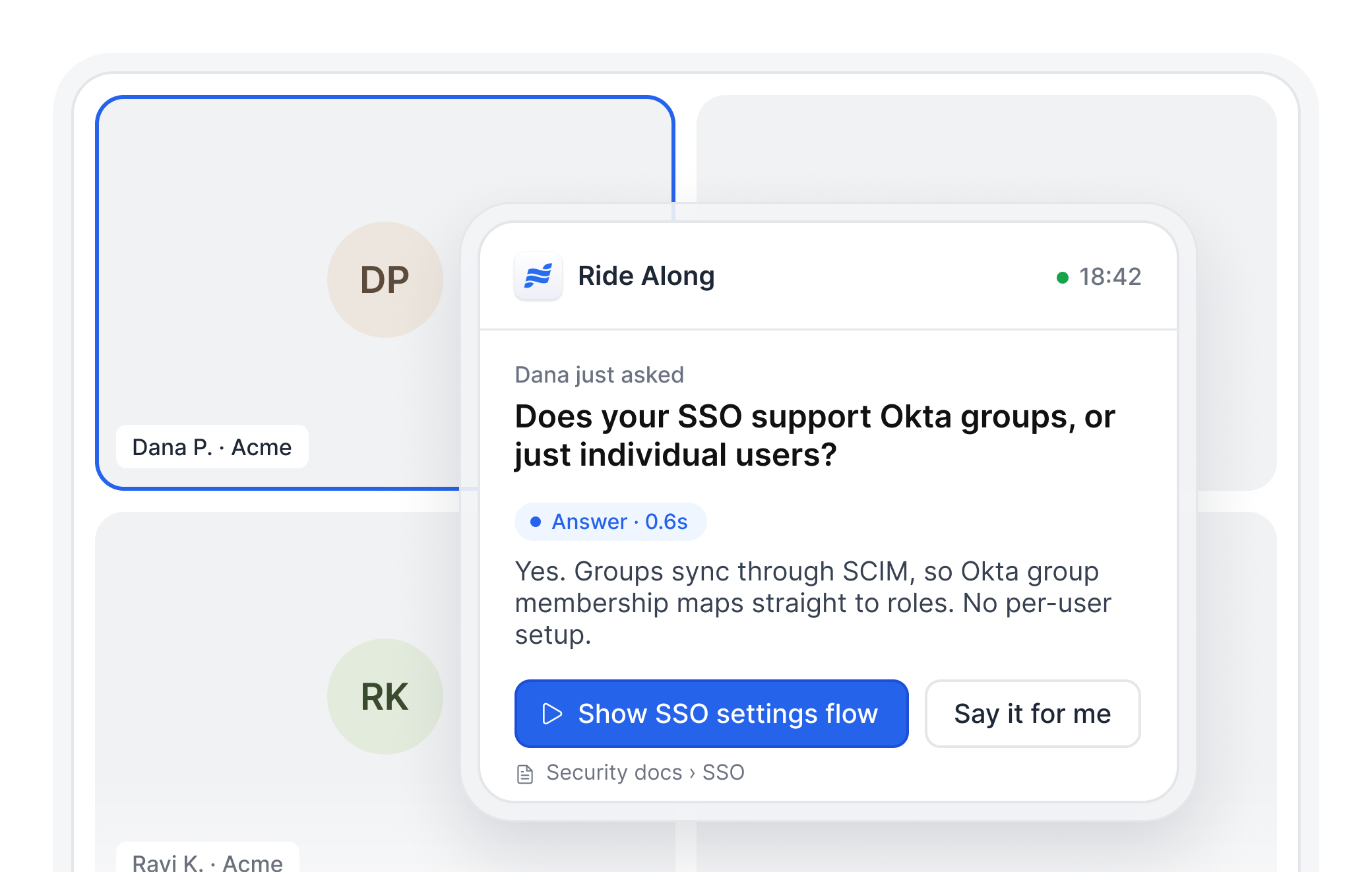
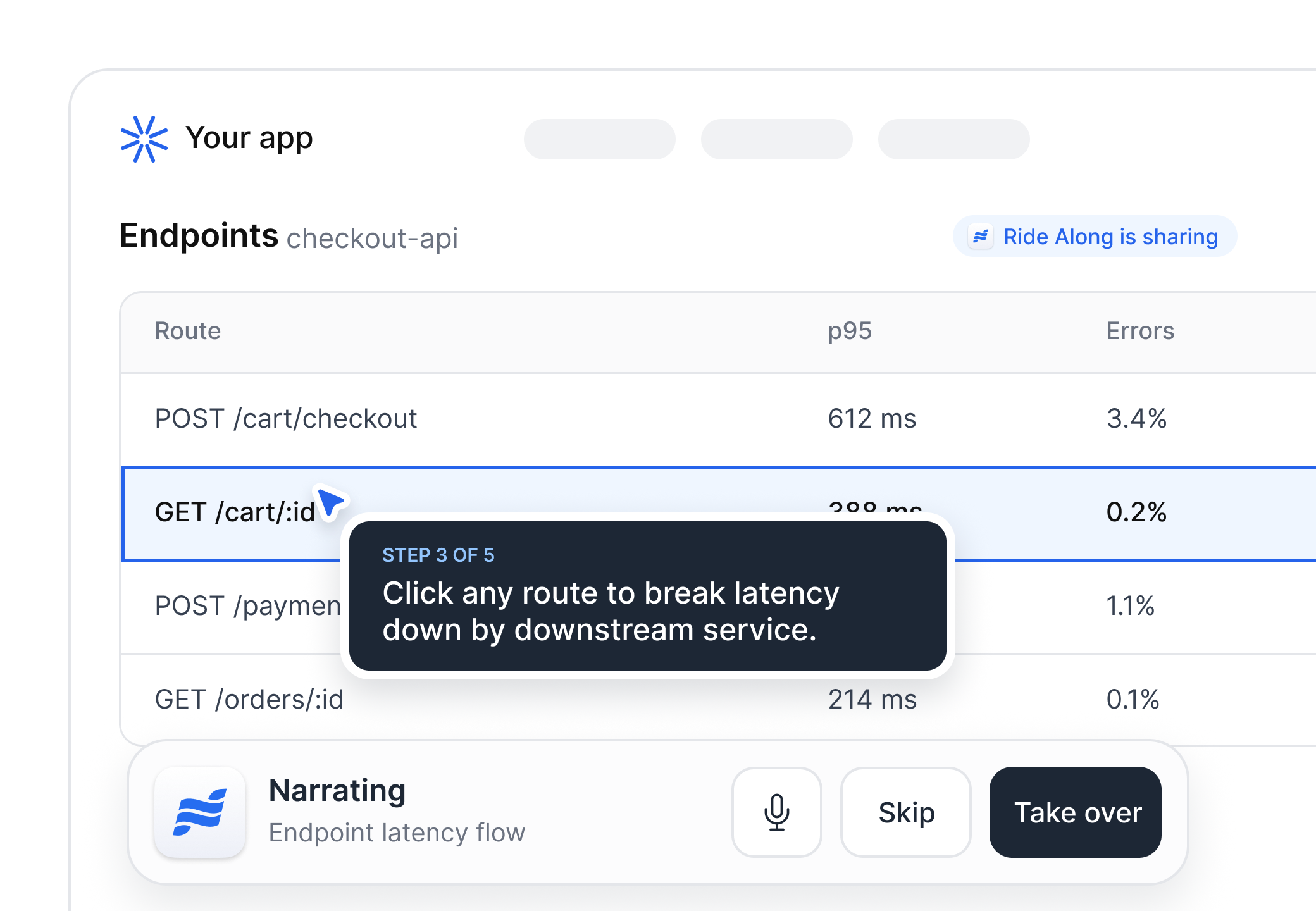
Show product flows live on the call
Some questions need more than a spoken answer. Ride Along can screenshare HTML captures of your product, not just send links or show slides. The rep can stop, mute, or step in at any point.
Real-time screenshare
Step through at your pace
Rep stays in control
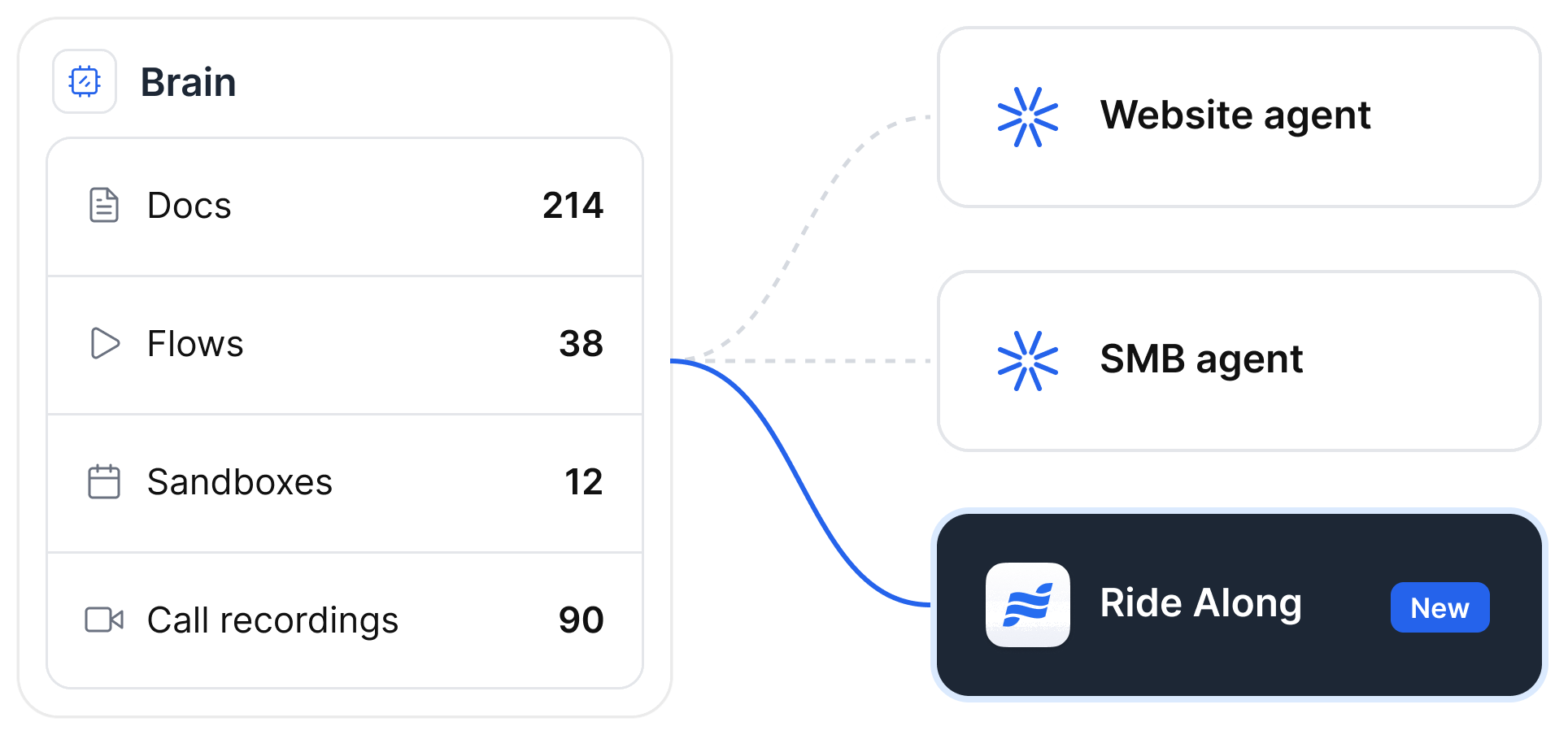
Build from your existing Agent Brain
Share answers from your Agent Brain: pricing docs, website documentation, sales playbooks, and product flows that re-sync on a recurring basis.
Shared Agent Brain
Flows from existing demos
Re-syncs to live docs
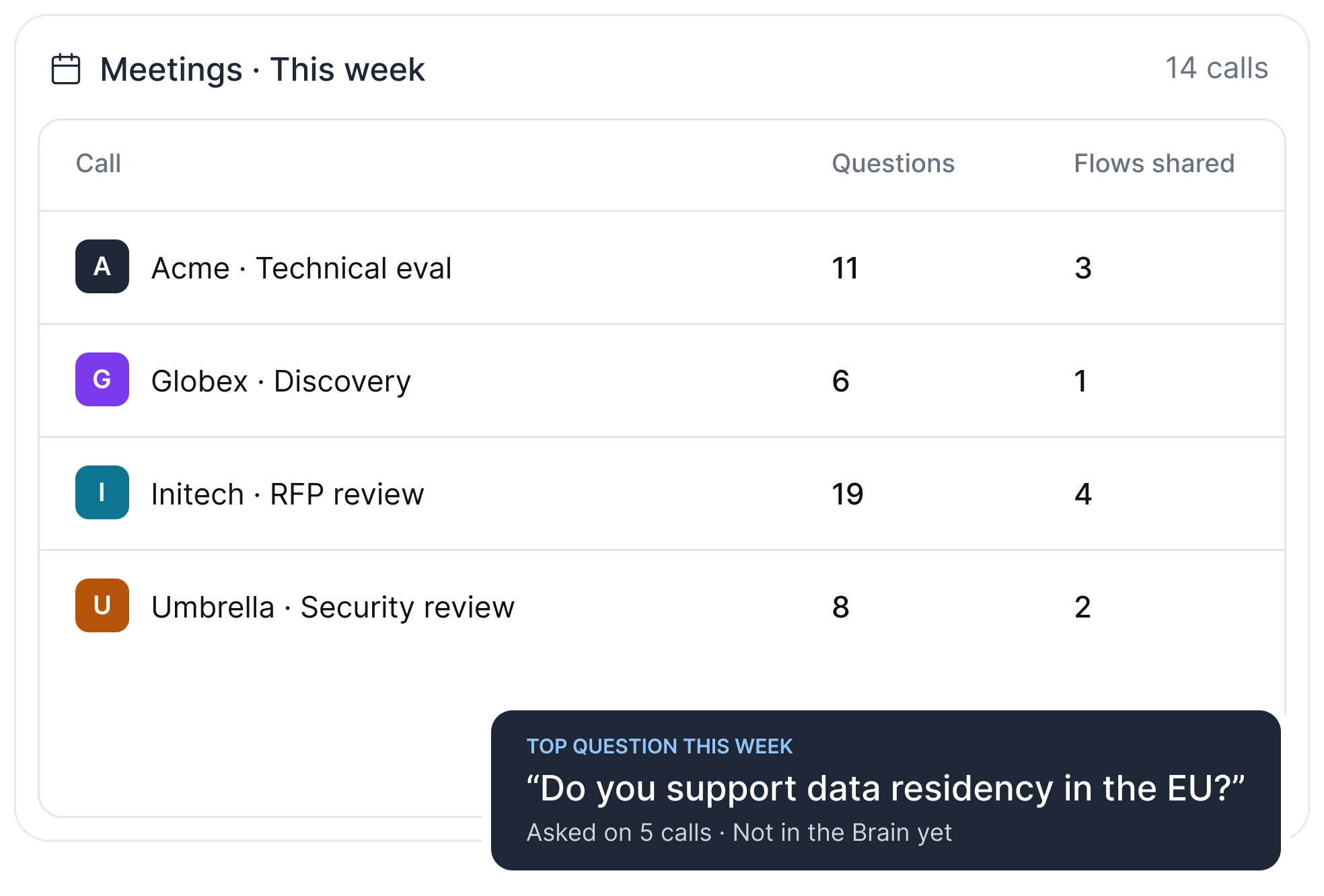
See what buyers ask and where reps get stuck
Review the full transcript and questions asked after each call. Spot where reps lean on the agent, which objections keep coming up, and any gaps in the Brain.
Transcript and questions
Where reps lean on it
Brain gaps
Everything your reps need to bring agents onto calls
Cited answers
Every answer links to its source, so reps can check the resource before they say it.
Background mode
A private agent just for the rep. Nothing joins the call, and answers show on the rep’s screen.
Meeting mode
Paste a Zoom, Teams, Webex, or Google Meet link. The agent joins as a participant and speaks or shares only when the rep says so.
Flow library
Add any flow from your interactive demos to the Brain, then have the agent screenshare it.
Custom branding
Show your logo, a custom animation or image, or an AI avatar.
Multilingual
Answers and narration in the prospect’s language, across every region.
Frequently asked questions for Ride Along